

Why Learn Python Tutorials in 2026?
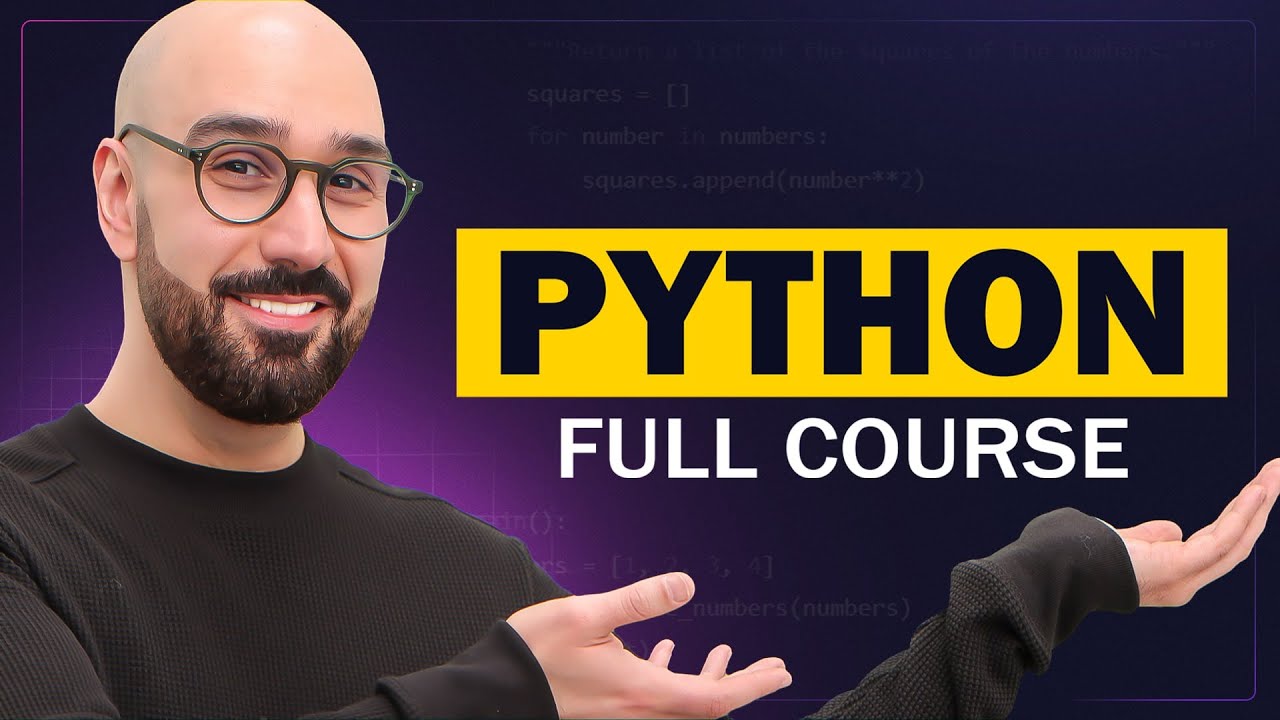
Python Tutorials
Take this course on CourseBond — completely free to start.
Python continues to dominate the programming landscape, and 2026 is shaping up to be a defining year for the language. Whether you are looking to break into tech, automate tedious tasks, or build data-driven projects, Python offers the most accessible entry point. Its syntax reads almost like plain English, which means you spend less time fighting with code and more time solving real problems.
Major industries—from healthcare and finance to entertainment and education—are doubling down on Python for artificial intelligence, machine learning, and backend development. The job market for Python developers remains robust, with roles like data analyst, automation engineer, and web developer consistently in high demand. Unlike some languages that rise and fall with trends, Python has become a foundational skill, much like literacy in spreadsheets or basic statistics.
Perhaps the most compelling reason to start in 2026 is the sheer volume of free, high-quality resources available. You no longer need a computer science degree or expensive bootcamp. With platforms like CourseBond, you can access structured Python Tutorials that guide you from the very first line of code to building your own applications. The barrier to entry has never been lower, and the potential payoff has never been higher.
If you are still on the fence, consider this: Python is the glue language of the modern tech stack. It connects databases, web servers, and data pipelines. Learning it now means you are building a skill that will remain relevant for the next decade, not just the next quarter.
Who Should Learn Python Tutorials?
Python tutorials are not just for aspiring software engineers. They are for anyone who wants to work smarter, not harder. Here is a breakdown of who benefits most:
- Complete beginners with zero coding experience. Python’s gentle learning curve makes it the ideal first language. You can start writing useful scripts within your first hour of study.
- Data analysts and scientists. If you work with Excel, SQL, or Tableau, adding Python will supercharge your ability to clean data, build visualizations, and run statistical models.
- Web developers. Python powers popular frameworks like Django and Flask. Even if you focus on front-end, knowing Python opens up full-stack possibilities.
- IT professionals and system administrators. Automating repetitive tasks—like file management, server monitoring, or report generation—becomes trivial with Python scripts.
- Students and career changers. Whether you are in high school, college, or pivoting mid-career, Python is the most efficient way to build a tech portfolio quickly.
- Hobbyists and tinkerers. Want to build a chatbot, scrape a website, or control a Raspberry Pi? Python is the go-to tool for creative projects.
The beauty of the Python Tutorials course on CourseBond is that it assumes no prior knowledge. It meets you exactly where you are—whether you are a marketer trying to automate email reports or a teacher building interactive quizzes for your students.
The Best Free Way to Learn Python Tutorials
There is no shortage of Python tutorials online, but most suffer from one of two problems: they are either too shallow (a 10-minute video that leaves you confused) or too dense (a 1,000-page textbook that feels like a doorstop). The best free way to learn is through a structured, project-based course that balances theory with hands-on practice.
That is exactly what the Python Tutorials course on CourseBond delivers. It is completely free, self-paced, and designed by instructors who understand how beginners think. Instead of throwing jargon at you, it builds concepts step by step:
- Bite-sized lessons that you can complete in 15–20 minutes, perfect for fitting into a lunch break or commute.
- Real-world examples like building a to-do list app, a weather checker, or a simple calculator—projects that actually make sense in daily life.
- Interactive coding exercises so you are not just watching someone else code; you are typing it yourself and seeing immediate results.
- Community support through discussion forums where you can ask questions and share your progress with fellow learners.
Many free tutorials online are outdated or incomplete. The Python Tutorials course is regularly updated to reflect Python 3.13+ features, modern libraries, and best practices. You will not waste time learning deprecated syntax or bad habits that you will have to unlearn later.
If you are serious about learning, start here. It is the most efficient path from “I know nothing” to “I can build something useful.”
Python Tutorials Roadmap: From Beginner to Confident Practitioner
Learning Python is a journey, and having a clear roadmap prevents you from feeling lost. Here is a step-by-step path that the Python Tutorials course follows, broken into four phases.
Phase 1: The Absolute Basics (Days 1–7)
You will start with the fundamentals: variables, data types (integers, strings, floats, booleans), basic input/output, and simple arithmetic. The goal here is to write your first “Hello, World!” program and understand how Python executes code line by line. You will also learn about comments and debugging basic syntax errors.
Phase 2: Control Flow and Data Structures (Days 8–21)
Now you make your programs smart. You will learn if, else, and elif statements to make decisions, and for and while loops to repeat actions. This phase also introduces lists, tuples, dictionaries, and sets—the building blocks for storing and organizing data. By the end, you will be able to write a program that asks for user input, validates it, and returns a result.
Phase 3: Functions, Modules, and File Handling (Days 22–40)
Here is where you stop writing spaghetti code. You will learn to define your own functions, pass arguments, return values, and reuse code across multiple files. The course also covers reading and writing text files, CSV files, and JSON—essential skills for any real-world project. You will also get introduced to Python’s standard library modules like math, random, and datetime.
Phase 4: Mini-Projects and Next Steps (Days 41–60)
This is the most rewarding phase. You will apply everything you have learned to build three complete projects: a number guessing game, a contact book manager, and a simple web scraper. These projects are designed to be portfolio-ready. The course also points you toward next topics like object-oriented programming, APIs, and popular libraries like Pandas and Requests.
Throughout this roadmap, the Python Tutorials course provides checkpoints and quizzes to ensure you are not moving too fast. You can always revisit previous lessons if something feels fuzzy.
Common Mistakes Beginners Make
Every Python learner stumbles in the same places. Knowing these pitfalls ahead of time will save you hours of frustration.
- Skipping the basics. Many beginners rush to build complex projects without fully understanding variables, loops, or conditionals. This often leads to code that breaks mysteriously. Slow down and master the fundamentals first.
- Copy-pasting code without understanding it. It is tempting to grab a snippet from Stack Overflow and move on. But if you do not know why it works, you will not be able to fix it when it breaks. The Python Tutorials course encourages you to type every line yourself and tweak it.
- Ignoring indentation. Python uses indentation to define blocks of code. A single misplaced space can cause an
IndentationError. Train your eye to notice spacing and use a consistent editor (like VS Code or PyCharm) that highlights these issues. - Not reading error messages. Beginners often panic when they see red text. Error messages are actually your best friend—they tell you exactly what went wrong and where. The course teaches you how to interpret common errors like
NameError,TypeError, andIndexError. - Learning in isolation. Coding is a social skill. If you get stuck and do not ask for help, you might waste days on a simple bug. Use the community forums in the Python Tutorials course or join Python Discord servers to ask questions.
- Trying to memorize everything. You do not need to remember every built-in function. Professional developers look up syntax daily. Focus on understanding concepts, not memorizing them.
By being aware of these mistakes, you can avoid the most common roadblocks and keep your momentum going.
How to Stay Motivated and Finish the Course
Starting a Python tutorial is exciting. Finishing it requires a bit of strategy. Here are practical tips to keep you going until the end.
- Set a consistent schedule. Even 20 minutes a day is better than three hours on a weekend. Consistency builds habits, and habits make learning automatic. Block out a specific time—like right after breakfast or before bed—and treat it as non-negotiable.
- Celebrate small wins. Did you successfully write a loop that prints numbers 1 to 10? That is a win. Did you fix a bug without help? Another win. Acknowledge these moments—they are proof of progress.
- Build something you care about. The Python Tutorials course includes projects, but you can also add your own twist. If you love sports, write a script that scrapes your favorite team’s scores. If you are into cooking, build a recipe organizer. Personal projects make learning feel less like homework.
- Join a study group. Learning with others keeps you accountable. The CourseBond community is full of learners at your level. Share your code, ask for feedback, and cheer each other on.
- Don’t aim for perfection. Your first code will be messy. That is normal. The goal is progress, not polished software. Every mistake is a lesson that makes you better.
- Track your progress. Use a simple checklist or the course’s built-in progress tracker. Seeing how far you have come is a powerful motivator when you feel stuck.
Remember: every expert was once a beginner who refused to give up. The Python Tutorials course is designed to keep you engaged with short, satisfying lessons that build confidence with every step.
Frequently Asked Questions
Do I need any prior programming experience to start these Python tutorials?
No, absolutely not. The Python Tutorials course on CourseBond is designed for absolute beginners. It starts with the very basics, like what a variable is and how to print text to the screen. You do not need to know any other programming language to succeed.
How long does it take to complete the Python Tutorials course?
It depends on your pace. If you dedicate 30 minutes a day, most learners finish the core material in about 4 to 6 weeks. The course is self-paced, so you can go faster or slower as needed. The important thing is to be consistent.
Is Python still relevant in 2026 with new AI tools emerging?
Absolutely. In fact, Python is the primary language used to build and interact with AI tools. Libraries like TensorFlow, PyTorch, and LangChain are all Python-based. Learning Python gives you the foundation to understand and customize AI, rather than just being a passive user.
Can I get a job after completing these Python tutorials?
The course gives you a solid foundation, but landing a job typically requires additional practice and portfolio projects. That said, completing the Python Tutorials will prepare you for entry-level roles like junior data analyst, QA automation intern, or Python support engineer. Many learners use this course as a stepping stone to more advanced topics.
What if I get stuck on a lesson or exercise?
That is completely normal. The course includes a community forum where you can post questions and get help from instructors and fellow students. You can also rewatch lessons as many times as you need. There is no judgment—only support.
Is the Python Tutorials course really free? No hidden fees?
Yes, it is 100% free. CourseBond is a free online learning marketplace, and the Python Tutorials course has no hidden charges, no subscription required, and no time limit. You can access all lessons, exercises, and projects without paying a cent.
Ready to Start Learning?
You have read the roadmap, you know the common pitfalls, and you have strategies to stay motivated. The only thing left is to take the first step. Python is more than just a programming language—it is a tool that unlocks problem-solving, creativity, and career opportunities. Whether you want to automate boring tasks, analyze data, or build the next big app, the journey starts with a single line of code.
Do not wait for the “perfect time” to start. The best time is now. Head over to CourseBond and begin your learning adventure today. The Python Tutorials course is waiting for you, and it is completely free.
Enroll in Python Tutorials (free) and write your first Python script in the next five minutes.
