

Why Learn Learn Claude: Beginner to Pro in 2026?
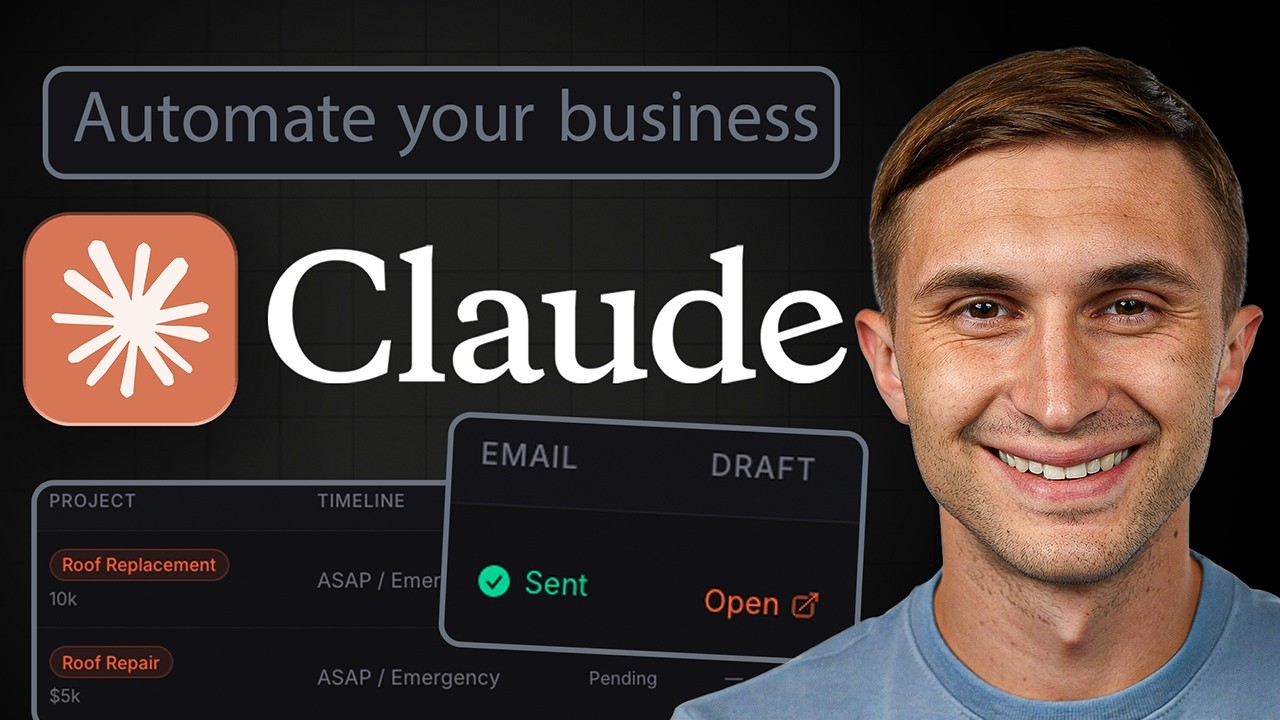
Learn Claude: Beginner to Pro
Take this course on CourseBond — completely free to start.
If you’ve been paying attention to the AI landscape, you’ve probably noticed that Claude—Anthropic’s powerful language model—has become a go-to tool for professionals, students, and creatives alike. By 2026, Claude isn’t just a chatbot; it’s a collaborative partner for writing, coding, research, and even complex problem-solving. Learning how to use it effectively isn’t a luxury—it’s a practical skill that can save you hours each week.
Why specifically 2026? The ecosystem around Claude has matured. You’re no longer stuck with a single prompt box. You can upload files, use projects, create custom styles, and even build workflows that automate repetitive tasks. Companies are actively looking for people who know how to “speak” to AI models efficiently. Knowing how to craft a precise prompt or structure a multi-step task with Claude can make you stand out in a job market that increasingly values human-AI collaboration.
Plus, the tools are free to start. You don’t need a paid subscription to get real value. The Learn Claude: Beginner to Pro course on CourseBond is designed to help you navigate all these features without feeling overwhelmed. It’s not about memorizing commands—it’s about building a mental model of how Claude thinks, so you can get the results you want, every time.
Who Should Learn Learn Claude: Beginner to Pro?
This course is for anyone who wants to stop guessing and start getting consistent, high-quality results from Claude. Here are a few specific groups who will benefit:
- Freelancers and Content Creators: If you write blog posts, social media captions, or email newsletters, Claude can help you brainstorm, outline, and even polish your drafts. You’ll learn how to ask for revisions without starting from scratch.
- Students and Researchers: Summarizing long PDFs, analyzing data, or generating study guides becomes much easier once you know the right prompting techniques. This course teaches you how to upload documents and ask Claude to extract exactly what you need.
- Small Business Owners: From drafting customer emails to creating product descriptions, Claude can handle a lot of the heavy lifting. You’ll learn how to set up reusable prompt templates that keep your brand voice consistent.
- Developers and Tech Enthusiasts: Claude is excellent for explaining code, debugging, or even writing scripts. The course covers advanced features like using Claude’s API and integrating it into your workflow.
- Complete Beginners: No prior AI experience needed. If you’ve ever felt intimidated by a blank prompt box, this course will give you the confidence to start typing.
The Best Free Way to Learn Learn Claude: Beginner to Pro
There are plenty of YouTube tutorials and scattered blog posts about Claude, but they often miss the bigger picture. You might learn how to write a single prompt, but you won’t understand why it works—or how to fix it when it doesn’t. That’s where structured learning makes a difference.
The Learn Claude: Beginner to Pro course on CourseBond is completely free and designed to take you from zero to confident in a logical sequence. It’s not a series of random tips. Each module builds on the previous one, so you develop an intuitive understanding of Claude’s capabilities and limitations.
What makes it the best free option? First, it’s practical. You’ll work with real examples: drafting emails, analyzing data, creating outlines, and even roleplaying scenarios. Second, it’s updated for 2026, covering the latest features like projects, custom instructions, and file uploads. Third, it includes checkpoints and exercises that help you test your skills as you go. You won’t just watch videos—you’ll actually use Claude and see your progress.
Learn Claude: Beginner to Pro Roadmap: From Beginner to Confident Practitioner
Here’s the exact path the course follows. You can think of it as a roadmap that takes you from the very first “Hello” to building your own custom workflows.
Stage 1: Getting Comfortable with the Interface
You’ll start by signing up for a free Claude account and exploring the interface. This stage covers the basics: how to start a new conversation, how to view chat history, and how to use the settings menu. You’ll also learn the difference between Claude’s free tier and the Pro version, so you know exactly what you’re working with.
Stage 2: The Art of the Prompt
This is the core of the course. You’ll learn the anatomy of a good prompt: context, instruction, and format. You’ll practice writing prompts for different tasks—summarization, creative writing, and analysis. The course also covers common prompt patterns like role-playing (“Act as a career coach…”) and chain-of-thought prompting (“Let’s think step by step…”).
Stage 3: Working with Files and Projects
Claude can read PDFs, Word documents, spreadsheets, and images. This module teaches you how to upload files and ask Claude to summarize, extract data, or compare information. You’ll also learn how to use the “Projects” feature to organize your work and share context across multiple conversations.
Stage 4: Advanced Techniques and Custom Styles
Once you’re comfortable with basic prompts, you’ll explore custom styles. This lets you define how Claude should respond—formal, casual, detailed, or concise. You’ll also learn how to use “pre-prompts” to set the tone for an entire conversation, saving you time on repetitive instructions.
Stage 5: Real-World Workflows
This is where you become a pro. You’ll build complete workflows: drafting a blog post from an outline, creating a study guide from a textbook chapter, or debugging a piece of code. The course shows you how to break down complex tasks into smaller steps that Claude can handle reliably.
Stage 6: Troubleshooting and Refinement
Not every prompt works perfectly the first time. This module teaches you how to debug your prompts. You’ll learn to identify when Claude is guessing, when it’s being too verbose, or when it’s missing the point. You’ll practice techniques like asking for clarification, rephrasing, or providing more context.
Common Mistakes Beginners Make
When you’re new to Claude, it’s easy to fall into a few traps. Recognizing them early will save you frustration.
- Assuming Claude knows the context: Claude doesn’t automatically know what you’re working on. Beginners often write vague prompts like “Write a summary” without specifying the document or the desired length. Always provide clear context.
- Not specifying the format: If you ask for “a list,” Claude might give you bullet points, numbered steps, or a paragraph with “first, second, third.” Be explicit: “Give me a numbered list of five key points.”
- Overloading the prompt: Trying to cram too many instructions into one message often leads to confusing results. Break complex tasks into smaller, sequential prompts. The course teaches you how to do this step by step.
- Ignoring the “redo” button: If Claude’s response isn’t what you wanted, don’t start a new conversation. Use the edit button to refine your prompt or ask Claude to modify its response. This is faster and helps you learn what works.
- Forgetting to use files: Many beginners type out long text when they could simply upload a PDF. Claude can read documents up to a certain size, so let it do the heavy lifting.
How to Stay Motivated and Finish the Course
Learning any new tool takes time, and it’s normal to hit a plateau. Here are a few strategies that will help you stay on track.
Set a small, daily habit
You don’t need to spend hours. Aim for 15 minutes a day. Open Claude and try one exercise from the course. Write a prompt, see the result, and tweak it. Over a week, that’s almost two hours of focused practice.
Use Claude for something you actually need
The best way to learn is to apply the skills immediately. If you have a work project, a school assignment, or a personal task, use Claude to help. Draft an email, summarize an article, or brainstorm ideas. The course will feel less like homework and more like a tool you’re using to improve your real life.
Join a community or find a buddy
Learning alone can be lonely. The CourseBond platform has discussion forums where you can share your prompts and ask for feedback. You can also find a friend who is learning Claude and share your wins and struggles. Teaching someone else what you’ve learned is a powerful way to solidify your own understanding.
Celebrate small wins
Did Claude write a perfect email draft? Did you successfully extract data from a messy PDF? Take a moment to acknowledge that. These small victories build momentum. The course is structured with checkpoints for exactly this reason—so you can see how far you’ve come.
Frequently Asked Questions
Do I need any technical skills to start this course?
No. The course assumes you can use a web browser and type text. You don’t need to know coding, AI theory, or any technical jargon. Everything is explained in plain language.
Is Claude really free to use?
Yes, Claude has a generous free tier that allows you to send a certain number of messages per day. The course is designed around the free tier, so you won’t need to pay for anything to complete the lessons. If you later decide to upgrade, the skills you learn will still apply.
How long does it take to finish the course?
That depends on your pace. Most learners complete the core modules in 5-7 hours if they go straight through. If you practice each lesson and do the exercises, plan for 10-12 hours total. You can also spread it out over a few weeks.
Can I use this course if I already know ChatGPT or other AI tools?
Absolutely. In fact, your existing knowledge will help you move faster. The course highlights the differences between Claude and other models, so you can adapt your skills. You’ll learn what Claude is especially good at (like long-context understanding and safety) and where it differs.
Will this course teach me how to use Claude’s API?
The course focuses on the web interface and the free features. It does cover advanced prompting techniques that are relevant to the API, but it doesn’t require you to write any code. If you’re a developer, the skills you learn here will directly translate to writing better API prompts.
What if I get stuck on a lesson?
The course includes example prompts and answers for every exercise. You can also ask questions in the course community forum. The instructor monitors the forum regularly and responds to common questions.
Ready to Start Learning?
You’ve read the roadmap, you know the common pitfalls, and you have a strategy to stay motivated. The only thing left is to take the first step. Claude is a powerful tool, but like any tool, its value depends on how you use it. The Learn Claude: Beginner to Pro course on CourseBond gives you a clear, structured path to go from fumbling with prompts to confidently building workflows that save you time and effort.
Don’t wait until you “feel ready.” The best way to learn is by doing. Open the course, start the first lesson, and send your first prompt. You’ll be surprised how quickly you improve.
Enroll in Learn Claude: Beginner to Pro (free) and begin your journey today.
